Saved on This Computer Only
Your work stays in this browser. It won't appear on another computer, another browser, or your phone. Clearing your browser history or site data, using a private window, or a device that resets at sign-out will erase it.
Plan which standards to teach, in what order, and when. You score each standard against criteria that matter to your team, mark which ones build on others, and the tool lays them out across your school year. It runs in your browser, so there is nothing to install and no account to make.
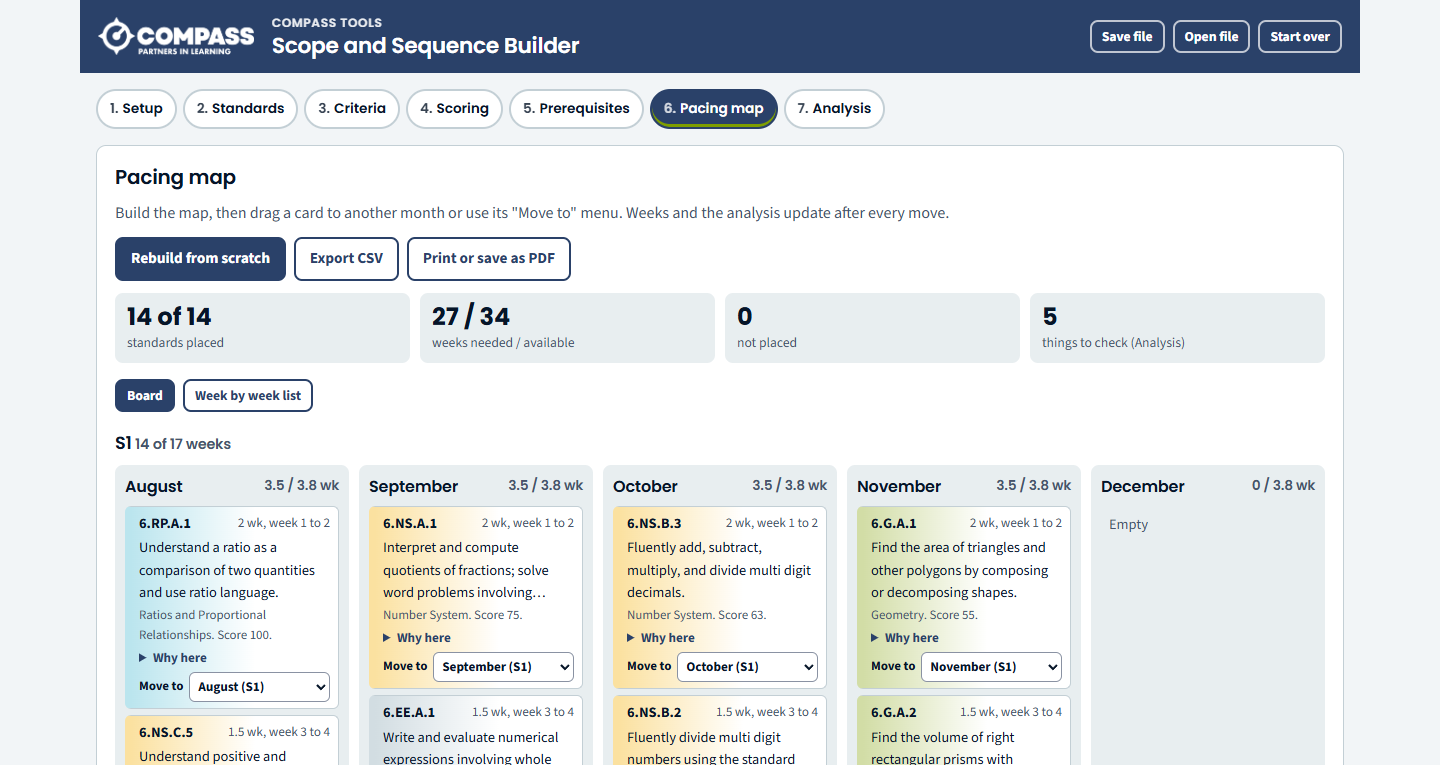
These steps take you from a blank tool to a pacing map for your year.
To use the tool offline, download the tool and open the saved file in your browser. Work saved in one copy doesn't appear in the other, so use Save file and Open file to move it.
Your work stays in this browser. It won't appear on another computer, another browser, or your phone. Clearing your browser history or site data, using a private window, or a device that resets at sign-out will erase it.
Choose Save file to download your work. Use Open file to bring it back or move it to another computer. Save a file before you clear your browser, because Compass can't recover lost work.
The tool is for standards and plans, not student records. Anyone using the same browser on the same computer could open what you saved, so don't enter student names or other identifying details.
If your team wants a version that everyone edits together, Compass can set up the Google Sheets version of this tool in your district's Google account. The finished tool belongs to your district.
Build balanced class lists for next year and keep students apart or together.
Map where the final say rests on 35 classroom decisions, then reflect on the pattern.
Answers common questions from staff, families, or community members, managed from a Google Sheet you control.
See every tool we host or share, and how we help districts build tools of their own.